ApiCallValidator And Error Handling Source Guide
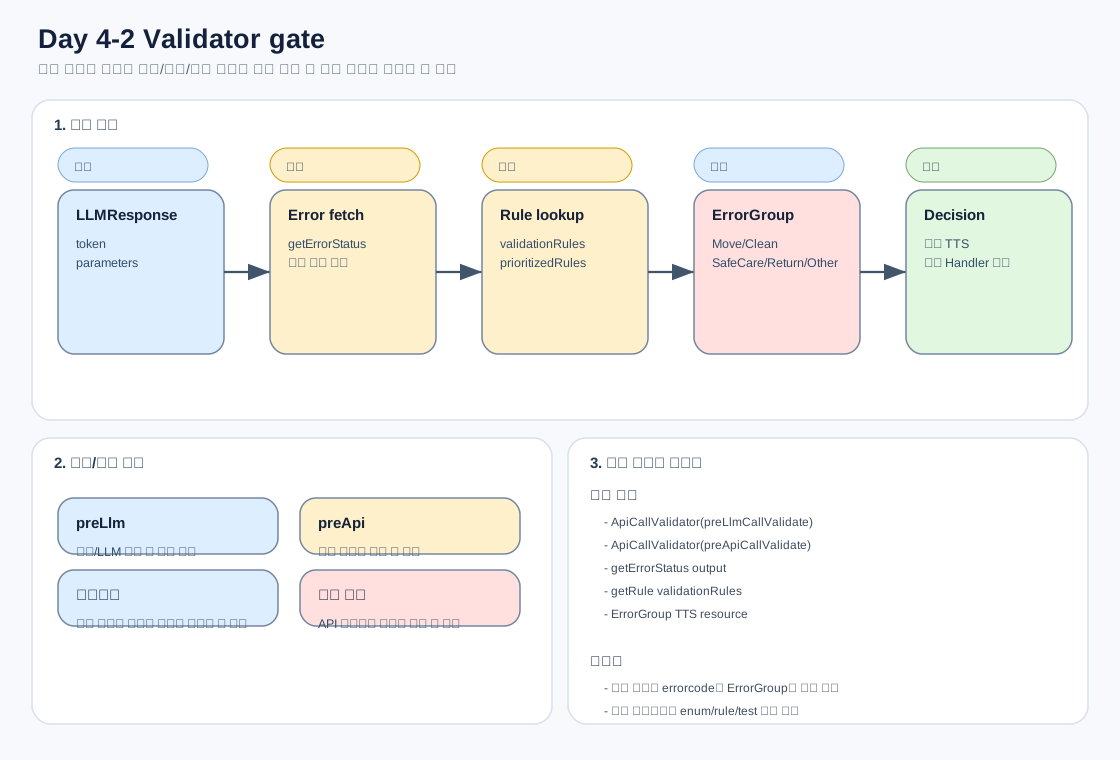
이 문서는 기능 토큰이 맞게 생성된 이후에도 실제 기능이 실행되지 않을 수 있는 이유를 설명합니다. 핵심은 ApiCallValidator가 현재 기기 상태와 에러 상태를 기준으로 기능 실행을 사전에 차단할 수 있다는 점입니다.
1. 관련 파일
| 파일 | 역할 |
|---|---|
ApiCallValidator.kt |
LLM 실행 전/기능 실행 전 검증 |
DeviceErrorCode.kt |
기기 에러코드 enum, priority, 에러 그룹별 TTS 문구 |
ErrorGroup.kt |
LlmFunctionStop, CleanFunctionFail, MoveFunctionFail, ReturnFail, VitalSignFail, SafeCareFail, OtherErrors |
ValidationRule.kt |
특정 error code와 validator lambda 묶음 |
FunctionCallHandler.kt |
검증 통과 후 실제 기능 처리 |
strings.xml, values-ko/strings.xml |
검증 실패 TTS 문구 |
2. 검증은 두 단계

preLlmCallValidate()
LLM 자체를 실행해도 되는지 판단합니다.
확인 항목:
getLockModeEnable
getPrivacyModeEnable
getSoundMute
getVoiceRecognitionEnable
getSoundVoiceVolume
getErrorStatus
대표 차단:
홈 잠금
프라이버시 모드
음소거
음성인식 OFF
음량 0
LLM 실행 중지급 에러
preApiCallValidate(llmResponses)
<sk_xx> 토큰이 나온 뒤 실제 기능을 실행해도 되는지 판단합니다.
흐름:
1. getErrorStatus()
2. error code의 '-'를 '_'로 변환
3. 토큰별 validationRules 조회
4. rule priority 기준 정렬
5. 현재 error와 rule.deviceErrorCode가 같으면 validator 실행
6. 실패 시 ErrorGroup별 TTS 반환
3. 토큰별 validation rule 개념
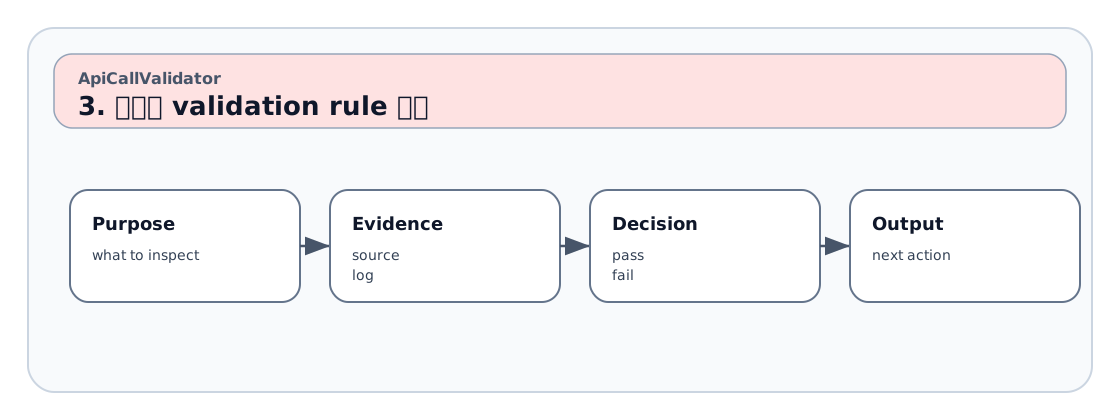
예시:
SK_0  -> createCleanRules()
SK_1  -> createMovementRules() + createReturnRules()
SK_3  -> createCleanRules() + createMovementRules()
SK_44 -> createMovementRules()
SK_45 -> createVitalSignRules()
SK_46 -> createSafeCareRules() + createMovementRules()
중요:
같은 error code라도 어떤 기능을 실행하려는지에 따라 사용자 안내 문구가 달라질 수 있습니다.
예를 들어 이동 기능에서 막히면 MoveFunctionFail 문구, 보안모드에서 막히면 SafeCareFail 문구가 나와야 합니다.
4. SK_43/SK_44/SK_46 특수 처리
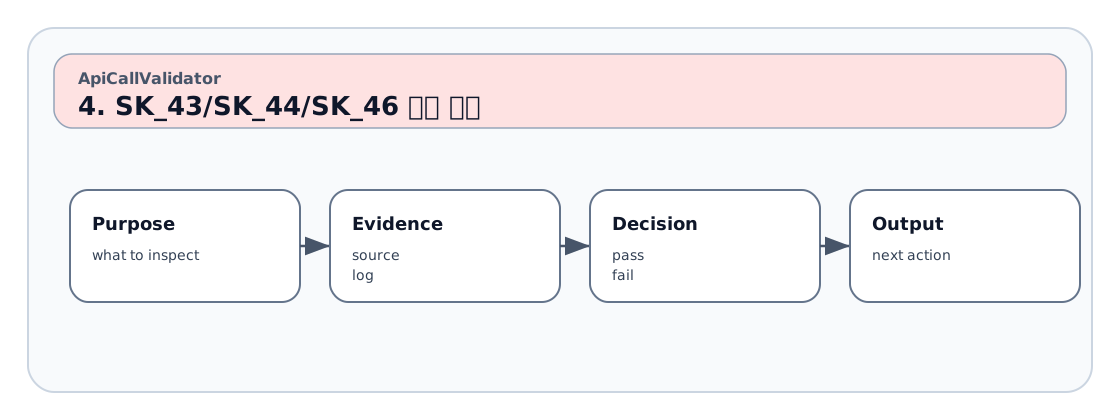
SK_43
Look At Me 명령은 스테이션 밖일 때만 이동 기능 불가 에러를 봅니다.
if SK_43:
  isOnStation == false일 때 movementRules 검사
SK_44
Follow Me 명령은 Follow Me 활성화 조건에서 이동 기능 불가 에러를 봅니다.
if SK_44:
  followMeEnabled == true일 때 movementRules 검사
SK_46
보안모드는 이동 기능 에러와 Safe Care 에러를 별도로 검사합니다.
if SK_46:
  movementRules 먼저 검사
  createSafeCareRules() 검사
  이후 token validationRules 검사
운영 판단:
SK_46에서 토큰이 맞아도 E02/F09_1/SafeCareFail 또는 이동불가 계열 에러가 있으면 실행 전 차단됩니다.
5. ErrorGroup별 TTS 정책

DeviceErrorCode.getErrorMessage(errorGroup, resources)가 최종 문구를 결정합니다.
| ErrorGroup | 의미 |
|---|---|
LlmFunctionStop |
LLM 기능 전체 실행 불가 |
CleanFunctionFail |
청정 기능 실행 불가 |
MoveFunctionFail |
이동 기능 실행 불가 |
ReturnFail |
복귀 기능 실행 불가 |
VitalSignFail |
바이탈 측정 실행 불가 |
SafeCareFail |
세이프케어/보안모드 실행 불가 |
OtherErrors |
관리용 또는 현재 직접 발화 없음 |
6. 로그 판독 예
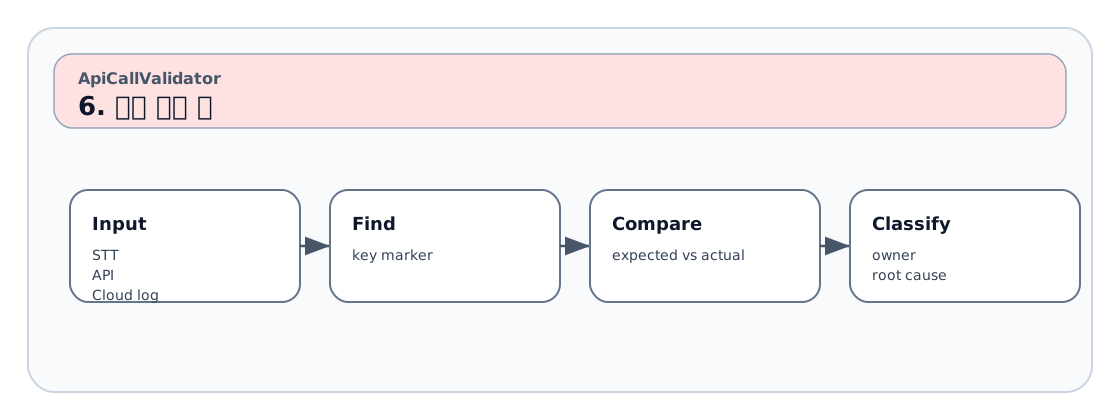
ApiCallValidator(preApiCallValidate) called with llmResponses: [LLMResponse(token=<sk_46>, parameters={})]
DeviceCommunicator Device API Input Parameter - method : getErrorStatus
DeviceCommunicator Device API Output Result - errorcode : [E02]
ApiCallValidator(checkError) called for E02.
mappingTtsTextAndDeviceApi: TTSText(playTtsText=현재 보안 모드 실행이 불가능합니다...)
판정:
LLM/딕셔너리 문제 아님.
SK_46 토큰은 정상이고, E02가 SafeCareFail로 분류되어 기능 실행 전 차단된 케이스입니다.
7. 개선 요청서 작성 기준
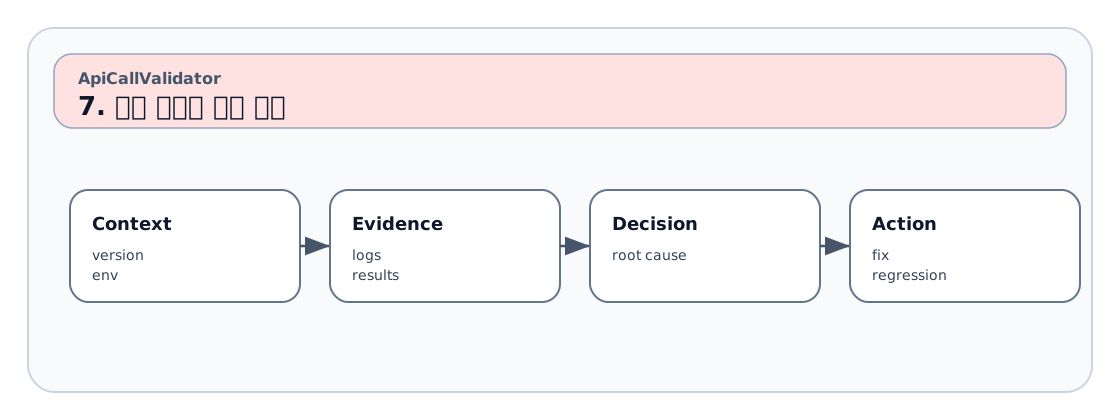
기대 토큰:
실제 토큰:
현재 errorcode:
expected ErrorGroup:
actual ErrorGroup:
expected TTS:
actual TTS:
ApiCallValidator rule 위치:
DeviceErrorCode enum 존재 여부:
strings.xml 문구 존재 여부:
8. 운영상 주의
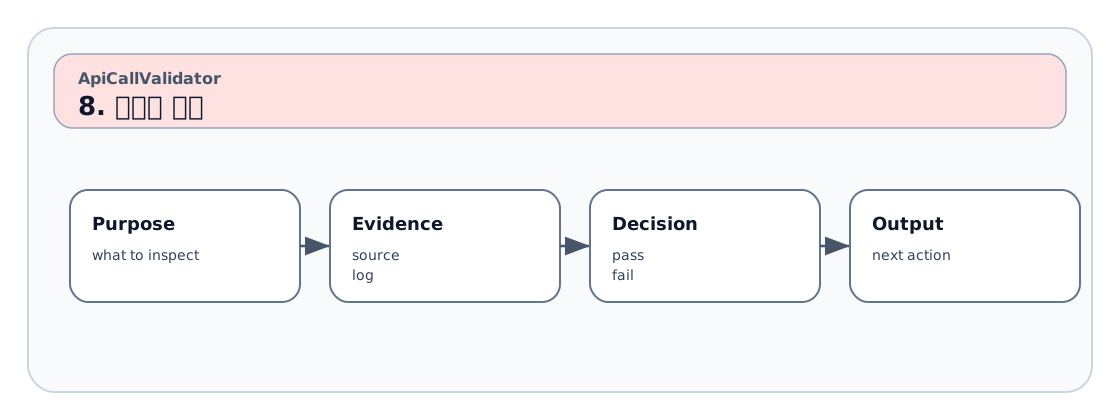
OtherErrors는 “사용자에게 직접 발화하지 않는 관리용 분류”로 볼 수 있습니다.
하지만 enum과 rule이 없으면 향후 정책테이블화/로그 분석에서 누락될 수 있으므로 관리 차원에서 유지합니다.