Dictionary Matching Source Guide
이 문서는 온디바이스 딕셔너리 구조를 소스레벨로 설명합니다. 목적은 “발화가 어떤 JSON과 어떤 matcher를 통해 <sk_xx>로 바뀌는지”를 LLM 운영 담당자가 직접 로그로 검증할 수 있게 만드는 것입니다.
1. 관련 파일
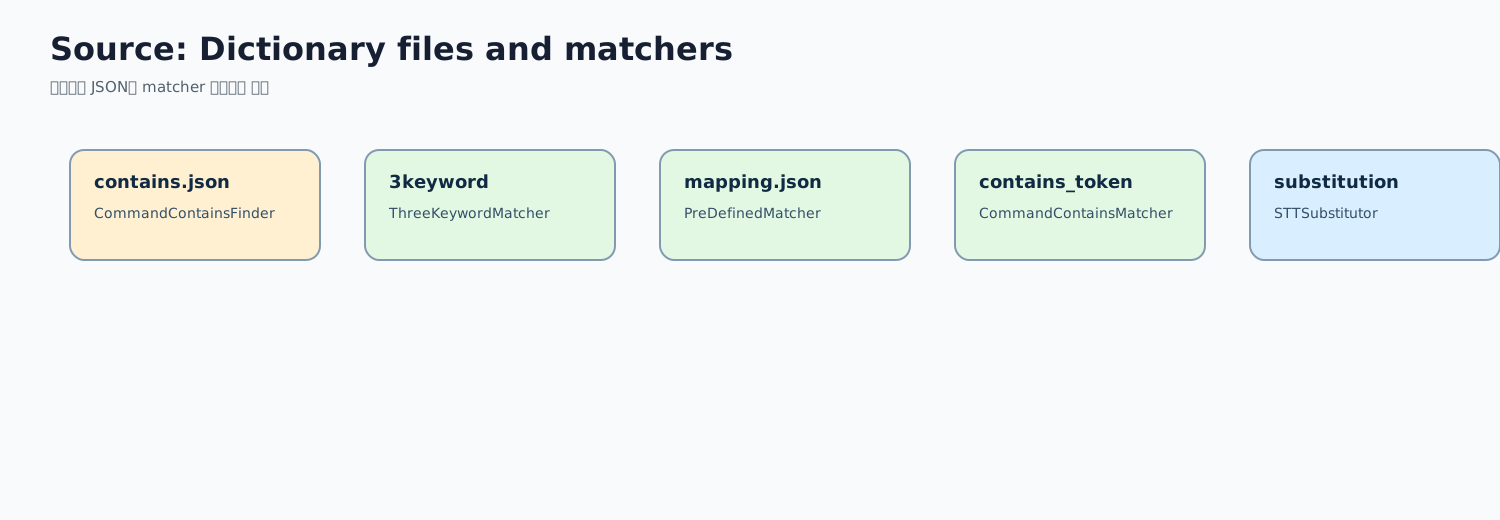
| 구분 | 파일 |
|---|---|
| 딕셔너리 asset | app/src/main/assets/mapping.json |
| 딕셔너리 asset | app/src/main/assets/contains.json |
| 딕셔너리 asset | app/src/main/assets/contains_token.json |
| 딕셔너리 asset | app/src/main/assets/3keyword_contains_token.json |
| STT 치환 | app/src/main/assets/substitution_dict.json |
| 상수 | Constants.kt의 CMD_MAPPING_FILE, SUBST_DICT_FILE, CMD_CONTAINS_FILE, CMD_CONTAINS_TOKEN_FILE, CMD_3KEYWORD_CONTAINS_TOKEN_FILE |
| exact matcher | PreDefinedCommandMatcher.kt |
| contains 치환 | CommandContainsFinder.kt |
| contains token matcher | CommandContainsMatcher.kt |
| 3 keyword matcher | ThreeKeywordContainsTokenMatcher.kt |
| 정규화 유틸 | DictionaryNormalizer.kt |
| 로컬 적용부 | ForegroundService.processLLAMA() |
2. 딕셔너리 적용 순서
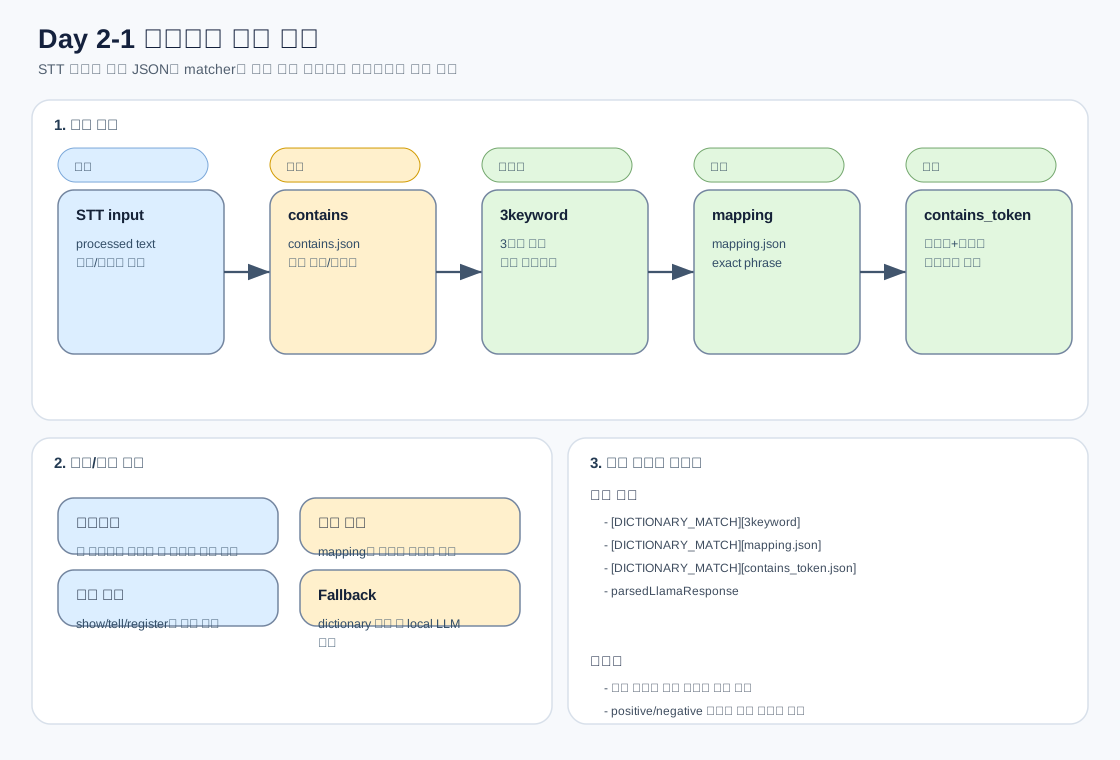
processLLAMA()에서 실제 기능 토큰을 만들 때 순서는 아래입니다.
filteredSttResult
  ├─ punctuation 제거
  ├─ removePrefixIfExists()
  ├─ CommandContainsFinder.replaceWithKey()      // contains.json 기반 문장 내부 치환
  ├─ ThreeKeywordContainsTokenMatcher.match()    // 1순위
  ├─ PreDefinedCommandMatcher.match()            // 2순위
  ├─ CommandContainsMatcher.match()              // 3순위
  └─ mQaClient.Infer(prompt)                     // 딕셔너리 실패 시 로컬 LLM 추론
핵심은 3keyword -> mapping -> contains_token -> LLM 순서입니다. 이 순서를 기준으로 로그와 JSON을 대조합니다.
3. 정규화 방식
DictionaryNormalizer.normalizeForDictionaryComparison()는 비교 시 아래를 수행합니다.
1. 모든 문자를 lowercase 처리
2. 문자/숫자만 유지
3. 공백, 구두점, 특수문자 제거
따라서 아래 표현들은 비교 관점에서 가까워질 수 있습니다.
"How many schedules are set?"
"howmanyschedulesareset"
장점:
STT가 공백/구두점/대소문자를 다르게 줘도 매칭 안정성이 올라갑니다.
리스크:
너무 짧거나 일반적인 phrase를 넣으면 서로 다른 기능이 같은 정규화 문자열 안에서 충돌할 수 있습니다.
4. 파일별 사용 기준
mapping.json
정확히 같은 발화가 들어왔을 때만 매칭해야 하는 경우 사용합니다.
적합한 예:
"등록된 스케줄 보여줘" -> "<sk_48>(get=True)"
"Please show me the air quality map history" -> "<sk_29>(get=True)"
부적합한 예:
"show"
"tell me"
"schedule"
이런 단어는 너무 일반적이라 exact가 아니라 group 조건으로 다뤄야 합니다.
contains.json
문장 안의 특정 phrase를 토큰 또는 key로 치환하는 데 사용합니다. CommandContainsFinder.replaceWithKey()에서 먼저 적용됩니다.
주의:
contains.json은 “최종 토큰 결정”보다 “입력 문장 보정” 성격이 강합니다.
여기에 너무 넓은 치환을 넣으면 이후 mapping/contains_token/LLM 입력 전체가 왜곡됩니다.
contains_token.json
여러 그룹의 phrase가 모두 들어있을 때 토큰을 반환합니다.
개념:
{
  "key": "<sk_48>(get=True)",
  "values": [
    ["스케줄", "예약", "schedule"],
    ["보여줘", "확인", "how many", "registered"]
  ]
}
해석:
1번 그룹에서 하나 이상, 2번 그룹에서 하나 이상 매칭되면 key를 반환합니다.
3keyword_contains_token.json
두 그룹만으로 충돌이 발생할 가능성이 높은 경우 사용합니다.
적합한 케이스:
기능명 + 대상 + 동작어
모드명 + 상태조회 + 설명 요청
영어 발화에서 매우 일반적인 동사와 기능명이 섞이는 경우
5. 대표 오매칭 분석법

케이스: 날씨가 스케줄로 매칭
관찰:
STT processed: 오늘 날씨 알려줄래
actual: <sk_48>(action=4)
분석 순서:
1. `[DICTIONARY_MATCH]` 로그 확인
2. 매칭 파일이 contains_token인지 3keyword인지 확인
3. schedule 그룹 안에 `알려줘`, `tell me`, `schedule` 같은 넓은 단어가 단독 영향인지 확인
4. weather 기능명과 schedule 기능명이 동시에 없는지 확인
5. positive case와 negative case를 같이 추가
수정 원칙:
일반 동작어를 제거하는 것보다, 기능명 그룹과 동작어 그룹의 조합을 더 엄격하게 만드는 것이 안전합니다.
케이스: 상태조회가 설정으로 매칭
관찰:
발화: 홈 잠금 상태 알려줘
기대: get=True
실제: action=on/off
분석:
상태조회 표현과 설정 표현이 같은 기능명 그룹을 공유하기 때문에 발생합니다.
수정:
상태조회는 `상태`, `켜져`, `is`, `status`, `turned on` 같은 별도 그룹으로 분리합니다.
설정은 `켜줘`, `꺼줘`, `turn on`, `turn off` 그룹으로 분리합니다.
케이스: 설명 질문이 상태조회로 매칭

관찰:
발화: What is the all time mode?
기대: <sk_107>(type=12)  // 올타임 모드 설명
실제 가능: <sk_49>(get=True)  // 올타임 모드 상태조회
소스 기준 분석 순서:
1. 3keyword_contains_token.json에서 <sk_107>(type=12) 조건을 확인한다.
   - 현재 영어 설명 조건은 "What is" + "all time mode" + "meant for/used for/needed/use" 축이다.
   - "What is the all time mode"는 세 번째 축이 없어 미매칭될 수 있다.

2. mapping.json에서 정확 발화가 있는지 확인한다.
   - "What is all time mode"는 존재한다.
   - "What is the all time mode"가 없으면 exact 매칭에 실패한다.

3. contains_token.json에서 더 넓은 상태조회 조건을 확인한다.
   - <sk_49>(get=True)에 "what"과 "all time mode" 계열 표현이 같이 있으면 상태조회로 빠질 수 있다.

4. FunctionCallHandler와 strings.xml에서 최종 TTS 경로를 확인한다.
   - <sk_49>(get=True)는 `all_time_mode_state_on/off`를 사용한다.
   - "Night mode is currently off."는 나이트모드 상태조회 경로이므로 별도 토큰/STT/Cloud fallback 문제로 분리한다.
수정 요청서에는 아래처럼 씁니다.
원인: 설명 질문 exact phrase 누락으로 넓은 상태조회 token group에 매칭
수정 후보: mapping.json의 <sk_107>(type=12)에 "What is the all time mode" 추가
테스트: "What is the all time mode" -> <sk_107>(type=12)
추가 확인: 실제 기기에서 Night mode TTS가 나온 경우 STT raw/processed와 parsedLlamaResponse 별도 확인
6. 테스트 설계 기준
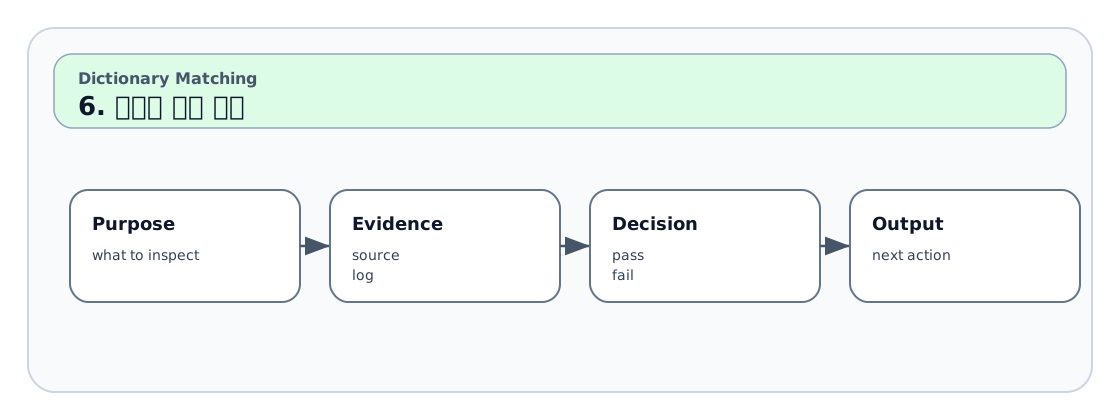
딕셔너리 하나를 수정하면 최소 아래 세 종류 테스트가 필요합니다.
| 테스트 | 목적 | 예 |
|---|---|---|
| Positive | 기대 토큰으로 잡히는지 확인 | 전체 청정 스케줄 등록해줘 |
| Negative | 비슷하지만 잡히면 안 되는지 확인 | 오늘 날씨 알려줘 |
| Regression | 기존 기능이 깨지지 않았는지 확인 | 등록된 스케줄 보여줘 |
7. 로그 판독 예
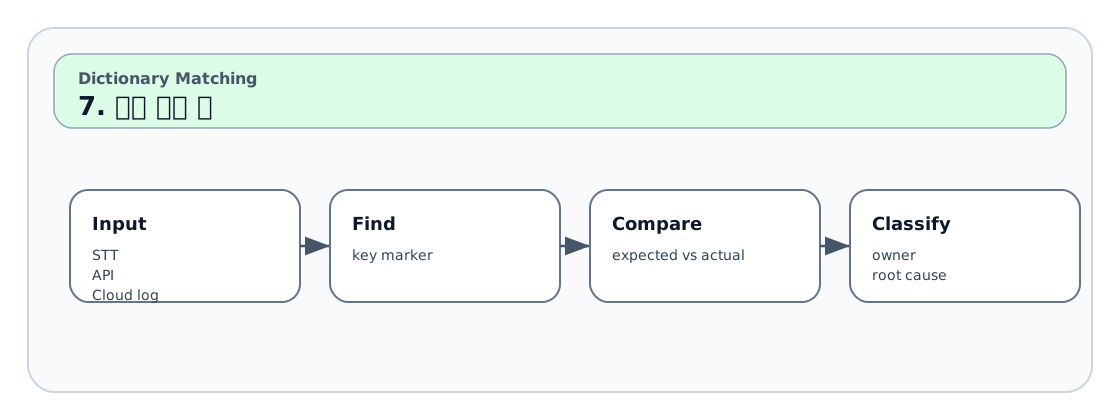
[DICTIONARY_MATCH][mapping.json] key=<sk_29>(get=True), matched_phrase=Please show me the air quality map history
[DICTIONARY_MATCH][contains_token.json] key=<sk_29>(get=True), matched_phrases=[[air quality map history], [show me, please show me]]
parsedLlamaResponse: [ <sk_29>(get=True) ]
Cutted parsedLlamaResponse: [ <sk_29>(get=True)<sk_end> ]
판정:
mapping과 contains_token이 모두 같은 토큰을 가리키므로 토큰 분류 자체는 안정적입니다.
이후 FunctionCallHandler에 `<sk_29>(get=True)` 분기가 없거나 TTS가 사양과 다르면 기능 구현/문구 문제로 분리합니다.
8. 수정 요청서에 들어가야 할 정보
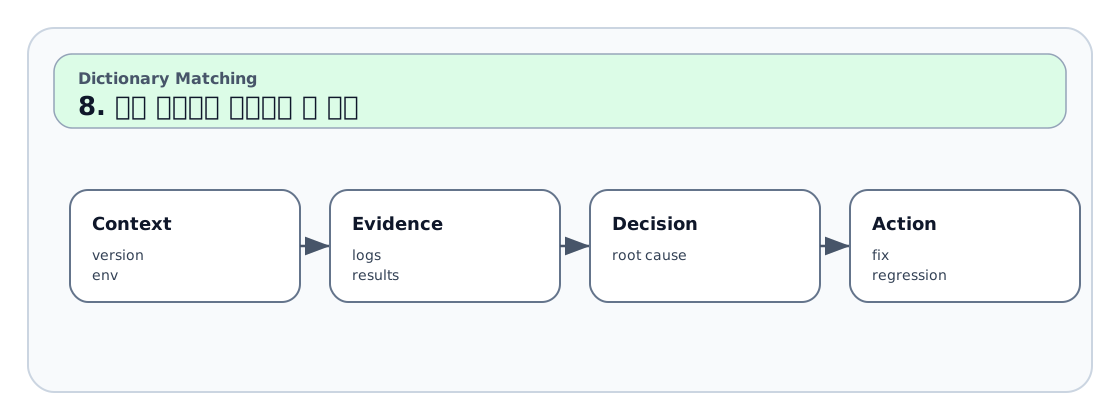
발화 원문:
언어:
STT raw:
STT processed:
매칭 로그:
기대 토큰:
실제 토큰:
문제 파일 후보:
Positive case:
Negative case:
Regression case:
수정 제안: